Published on September 4, 2024

- Consulting
- Security
- Technology
- E-Commerce
- Telecommunications
How can I enable encryption for PCs, laptops, mobile devices, and email used by employees in my business?
How can I enable encryption for PCs, laptops, mobile devices, and email used by employees in my business?
Data security in business is a priority, especially with the growing reliance on digital communication and storage. Encryption is one of the most effective ways to protect data from unauthorized access. It converts data into a coded format that can only be read or accessed by someone with the correct decryption key.
In this way, it ensures that the data remains secure and unreadable even if intercepted. Thus, encryption acts as a vital layer of protection against cyber threats. However, nowadays there isn't enough awareness about this, putting business owners at risk.
In this document, you can learn how to enable encryption for PCs, laptops, mobile devices, and email used by your employees. As a business owner, you can follow these steps to reduce the business's risk of data breaches and increase overall security.
How SMBs Encrypt Data Easily
Fortunately, several encryption solutions are available to businesses that can effectively protect their data from unauthorized access or theft.
1. Encryption for PCs and Laptops
To secure the PCs or laptops used by your employees, you should implement full disk encryption (FDE). This process encrypts all the data on a hard drive, making it inaccessible without the proper access. SMBs can utilize built-in tools like BitLocker for Windows and FileVault for macOS to easily implement this security measure. According to Microsoft, BitLocker can help prevent unauthorized access to data stored on a device, even if the device is lost or stolen. For further details on how BitLocker works and its benefits, you can refer to Microsoft’s official documentation.
However, it's essential to back up your data before enabling encryption on your PC or laptop. This preparation is crucial to recover your system if anything goes wrong during the encryption process.
Best Practices
- Use Complex Passwords or PINs: Strong passwords are the basis of data security. Use uppercase and lowercase letters, numbers, and special characters in your passwords.
- Boost Wi-Fi Protection: If you use Wi-Fi, it's vital to protect your network with strong encryption. Always opt for Wi-Fi Protected Access 3 (WPA3), which provides robust security for wireless connections.
- Install a VPN Client: VPN clients create a secure tunnel over the internet, encrypting all the data sent and received during the session. It ensures that sensitive business information remains protected, even when employees are connected to public or unsecured networks.
For Windows, BitLocker is a built-in tool available in most versions. For macOS, FileVault serves the same purpose. Remember to securely store any recovery keys, as they will be necessary if the primary access is lost.
2. Enable Encryption on Mobile Devices
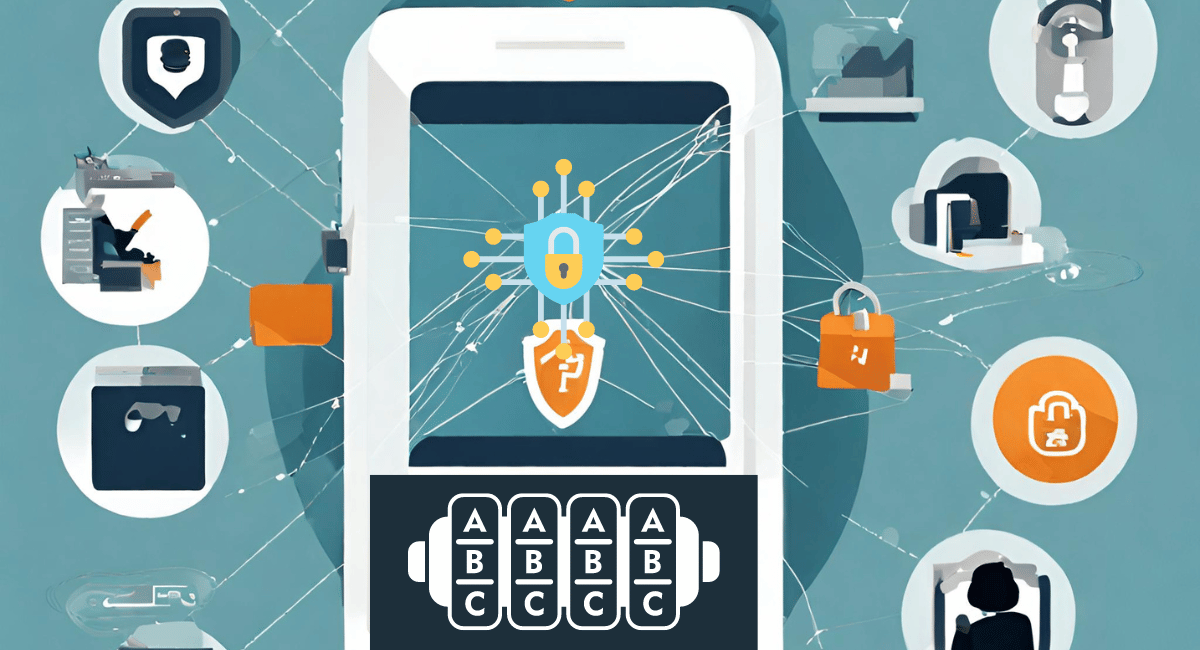
Mobile devices are particularly prone to data breaches due to their portability. Encrypting these devices ensures that sensitive business information remains protected even if a device is lost or stolen. To further strengthen mobile security, using Mobile Device Management (MDM) solutions is highly recommended. MDM allows businesses to enforce encryption policies across all employee devices, ensuring that company data remains secure at all times. You can explore more about MDM solutions and their role in enhancing mobile security in IBM’s security guidelines.
To ensure the safety and security of both end users and the organization, consider implementing the following measures:
- Use Multi-Function Authentication (MFA) to verify user identity with multiple forms of authentication, ensuring secure access. Continuously track device activity to detect and respond to cyberattacks as they occur.
- Monitor and fix glitches in operating system and software to prevent unauthorized access.
- Regularly monitor apps for suspicious behavior that could leak user data to untrusted sources.
- Watch out for network activity to identify and prevent attacks such as man-in-the-middle, SSL stripping, and SSL decryption attempts.
4. Secure Email Communications with Encryption
Email is a common vector for cyber-attacks, making it vital to encrypt email communications to protect sensitive information. Many email providers, such as Gmail and Outlook, offer encryption features.
For instance, you can use S/MIME (Secure/Multipurpose Internet Mail Extensions) to encrypt emails in Gmail. Ensure that both the sender and recipient are using email services that support S/MIME for it to be effective. SMBs can use these tactical tips to protect email.
- Train employees to avoid phishing emails.
- Change passwords periodically.
- Use Multi-Factor Authentication (MFA).
- Scan attachments.
- Avoid using public Wi-Fi to access emails.
- Encryption is not a single-time setup but an ongoing process. SMBs should regularly review and update the encryption protocols to ensure they remain strong against new and emerging threats.
Conclusion
Encryption is a significant aspect of SMBs' cybersecurity for protecting computers, emails, mobile devices, and confidential data. However, encryption is most effective when combined with employee training and regular security audits. By taking these steps, you can protect your business from potential threats and maintain the trust of your clients and partners.